AI face swap
Swap in a new face and keep the hair, clothes and background as they are
How to swap a face in a photo with AI
Add the photo
Choose the photo to change; its hair, clothes and background stay as they are
Add the face
A clear, front-facing photo of one person works best, and there's no prompt to write
Preview and download
Results usually take about 20 seconds and are saved to My creations; zoom in and download when you're happy
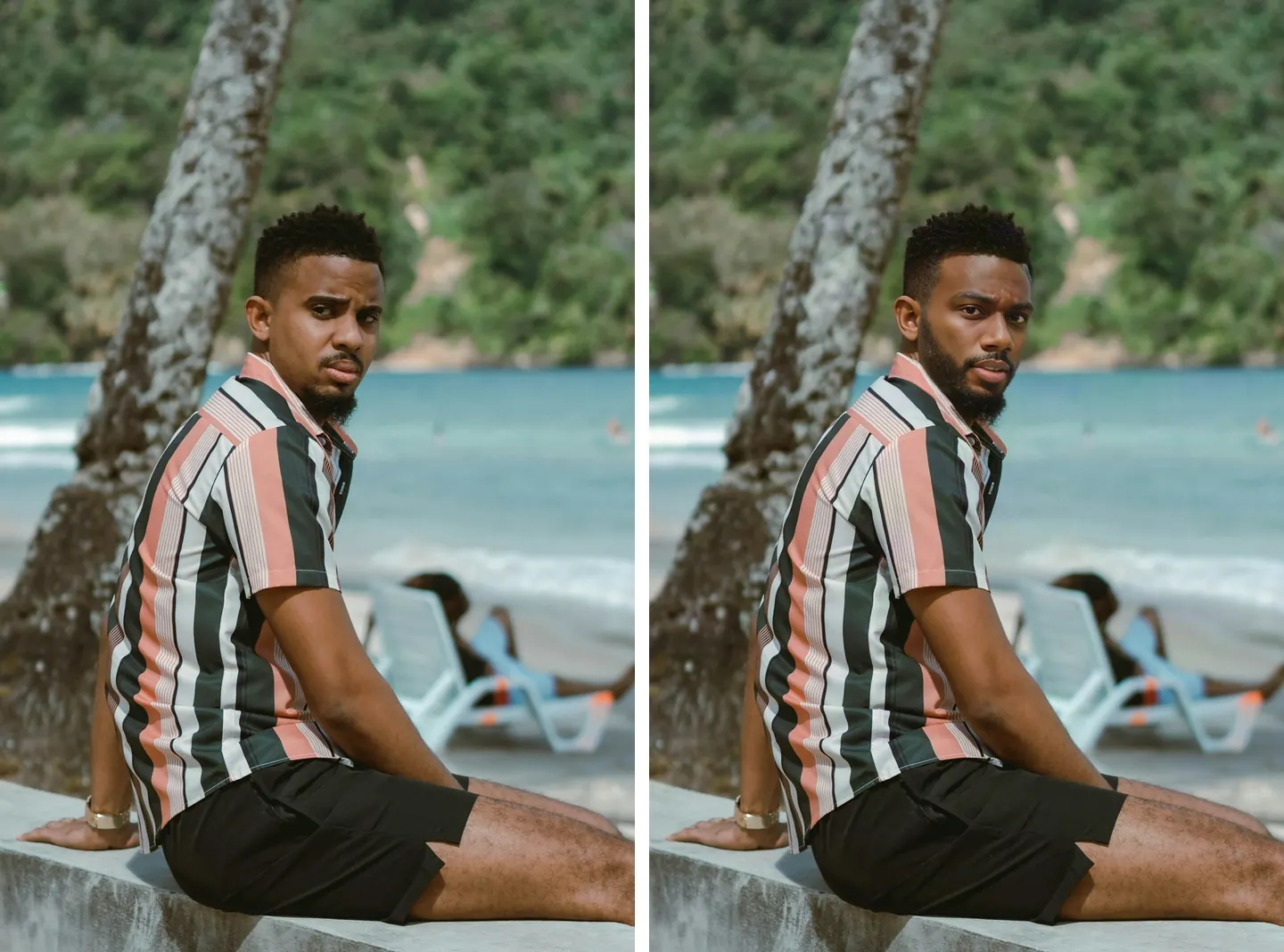
Only the face changes
The stripes on the shirt, the sea and trees behind him and the watch on his wrist all match the original. Only the face is different, and the beard and hairline count as part of it, so they change with the new face.
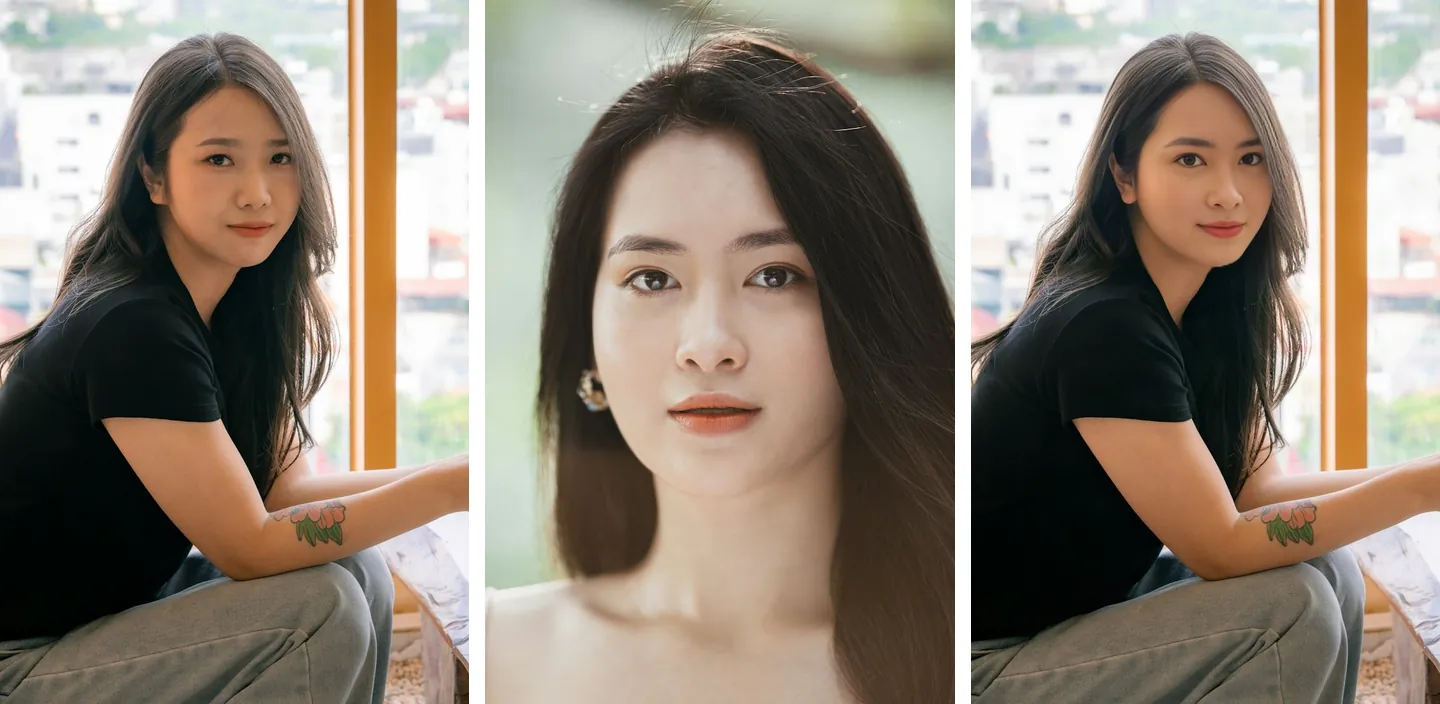
Two images, two slots, no prompt
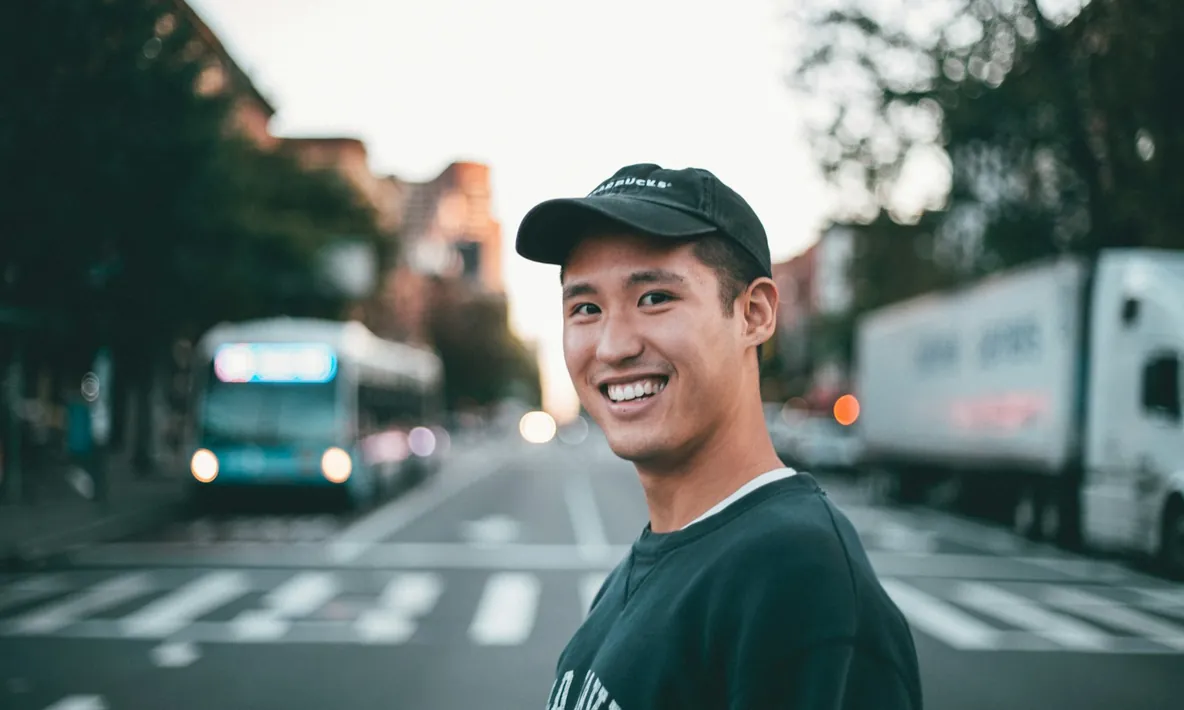
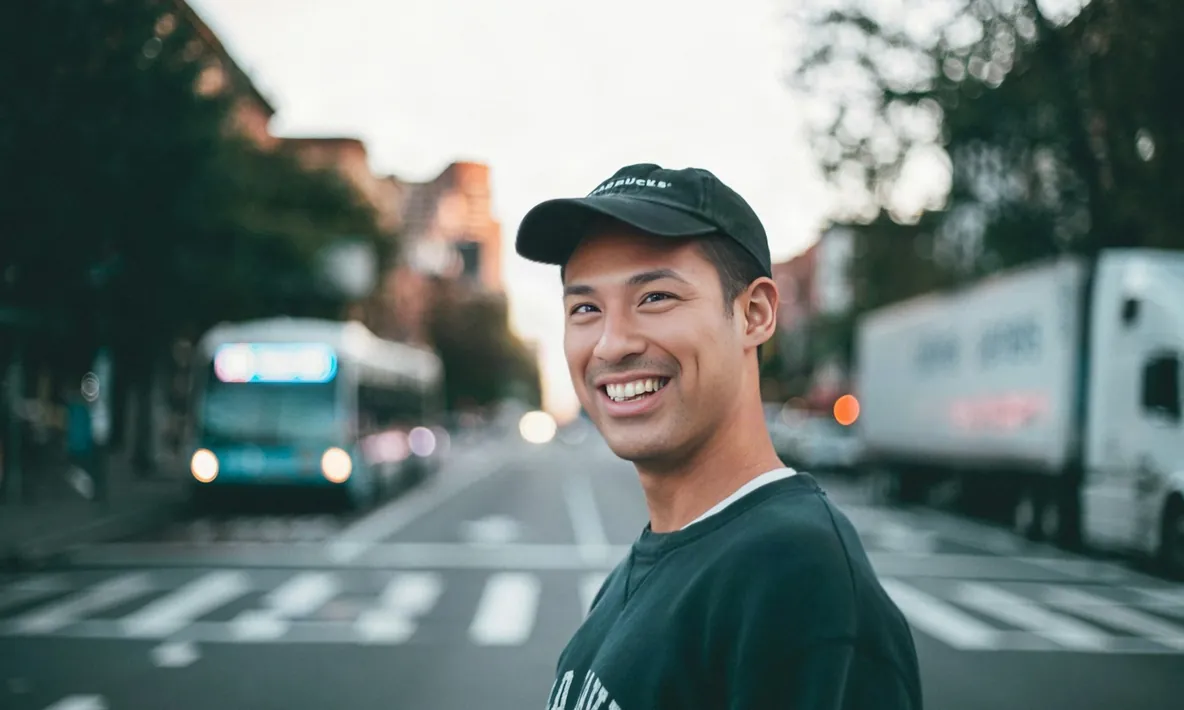
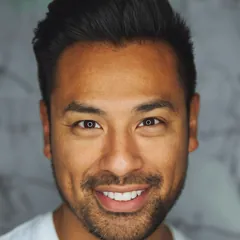
On the left is the photo to change, in the middle the face to use, and on the right the result. Which image is which is decided by where you upload it, so there's no need to spell out “put the face from image 1 onto image 2.”
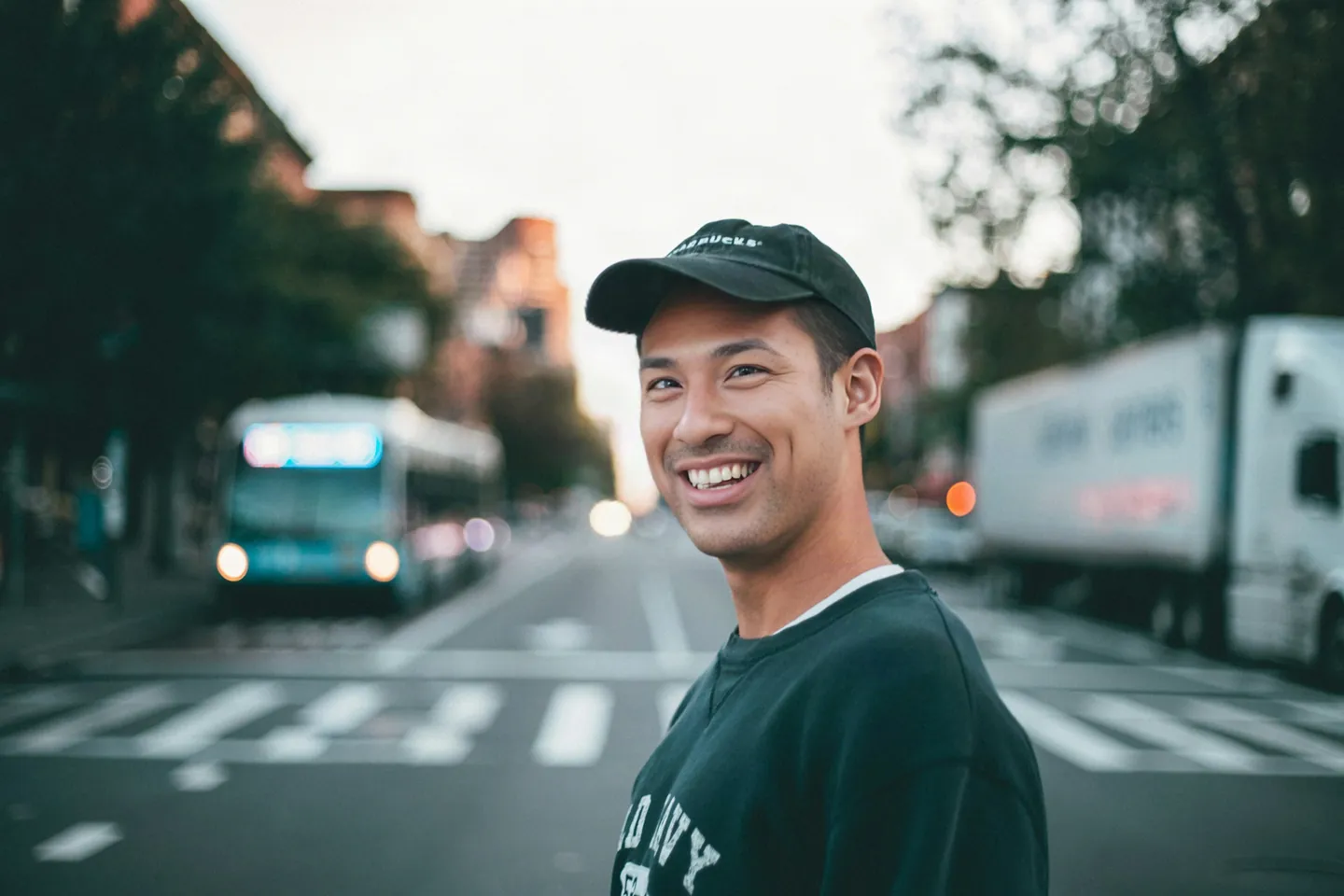
The result is as big as the original
Results come out at the original size. This 3000×2000 street photo is still 3000×2000 after the swap, so there's no need to shrink photos from your phone first.